You didn’t start a business to become an unpaid HR intern. But here you are approving PTO in Slack, digging through email chains for signed contracts, and updating an Excel sheet named “Do_not_touch_final_v3.” All while trying to actually do your real job.
HR chaos isn’t just frustrating; it quietly drains hours from your day as you chase signatures, fix payroll slip-ups, and answer the same questions again and again.
The good news? You can automate most of it without hiring an HR department or selling your soul to an overpriced platform.
I explored the best HR automation software for small businesses. These tools help eliminate repetitive tasks, reduce costly errors, and free up time, so you can focus on growing your team, not just managing it.
What to look for in HR automation software
When I was searching for the right HR tool, I didn’t need a feature checklist. I needed something that could actually take repetitive tasks off my hands and stop the constant back-and-forth. Here’s what I found really matters:
Ease of use: I needed a platform I could set up quickly, not something that requires a training course. If I can onboard a new hire or approve time off in a few clicks, that’s a win.
Workflow automation: Manually sending onboarding emails or chasing managers for approvals wasn’t sustainable. I wanted automated workflows to handle those steps for me.
Employee self-service: If my team can update their own info, download contracts, or request time off without asking me, that’s time saved every week.
Customization: We needed our own fields, leave policies, and approval flows. Tools that lock you into a fixed structure were a no-go.
Integrations: It had to connect with our payroll system and Slack. Bonus points if it synced with our ATS, Google Workspace, or anything else we already rely on. I didn’t want to rebuild our whole stack just to get one tool working.
Scalability: Some tools looked great at first, until I hit a feature wall. I needed something flexible enough to start simple but expand as we added performance reviews, time tracking, or more locations.
Security and compliance: We’re dealing with sensitive employee info, so SOC 2, GDPR compliance, and role-based access weren’t optional. I wanted peace of mind knowing we were covered, not risking leaks or mistakes.
Simply put, if a platform nails most of these, you’ll spend less time on admin and more time building your team.
1. Thrivea
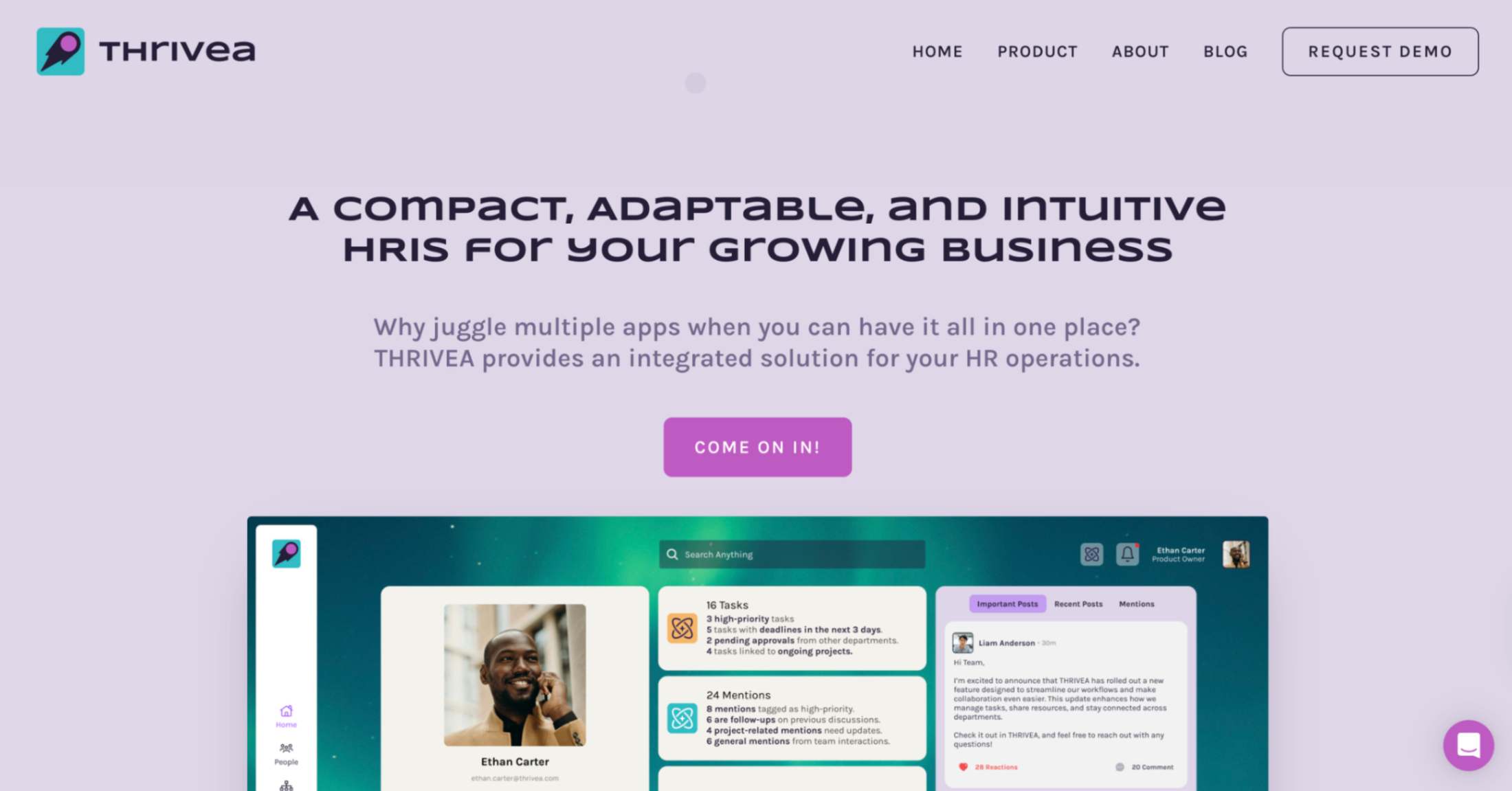
Thrivea is a modern, modular HR automation platform built for small to mid-sized companies that want to streamline HR processes without the overhead of traditional enterprise systems. It is especially well-suited for teams looking to move away from spreadsheets and disconnected tools, offering structure and automation from day one.
It combines the essentials of Core HR, like employee records, workflows, org charts, document storage, and analytics, into a single, intuitive platform that’s ready to use in under three minutes, with no IT setup required.
What makes Thrivea stand out is its free forever Core HR plan that covers most foundational needs: employee data management, workflow automation, document handling, internal communication, and basic reporting.
Teams can optionally upgrade by activating add-ons, such as PTO tracking or performance reviews, only when needed. It’s designed for usability, flexibility, and clarity, making it a strong alternative to legacy HRIS platforms that lock features behind high-tier plans.
Key features:
Centralized employee records with custom fields and org charts
Automated workflows for onboarding, approvals, and recurring HR tasks
Real-time document management with version history and role-based access
Self-service portals for employees (time-off requests, document access, personal info updates)
Time-off tracking with custom policies and calendar integrations
Built-in HR analytics dashboards and exportable custom reports
Read receipts and communication tracking for internal announcements
Open API and integrations with Slack, Teams, Zapier, ATS, and payroll systems
Pros:
Free forever Core HR plan with no credit card required
Extremely fast setup (under 3 minutes) and no-code interface
Modular design; only pay for what you use
Strong compliance features (SOC 2, GDPR, HIPAA)
Great for non-technical teams and scaling startups
Cons:
No built-in payroll or benefits modules (requires external integration)
Less brand recognition than bigger players like BambooHR or Rippling
Pricing:
Core HR features are free forever. Optional add-ons (like performance management or PTO tracking) are available via paid upgrades. Pricing for premium modules is available on request. No long-term contracts required.
Best for: Free core HR with modular upgrades
2. Gusto
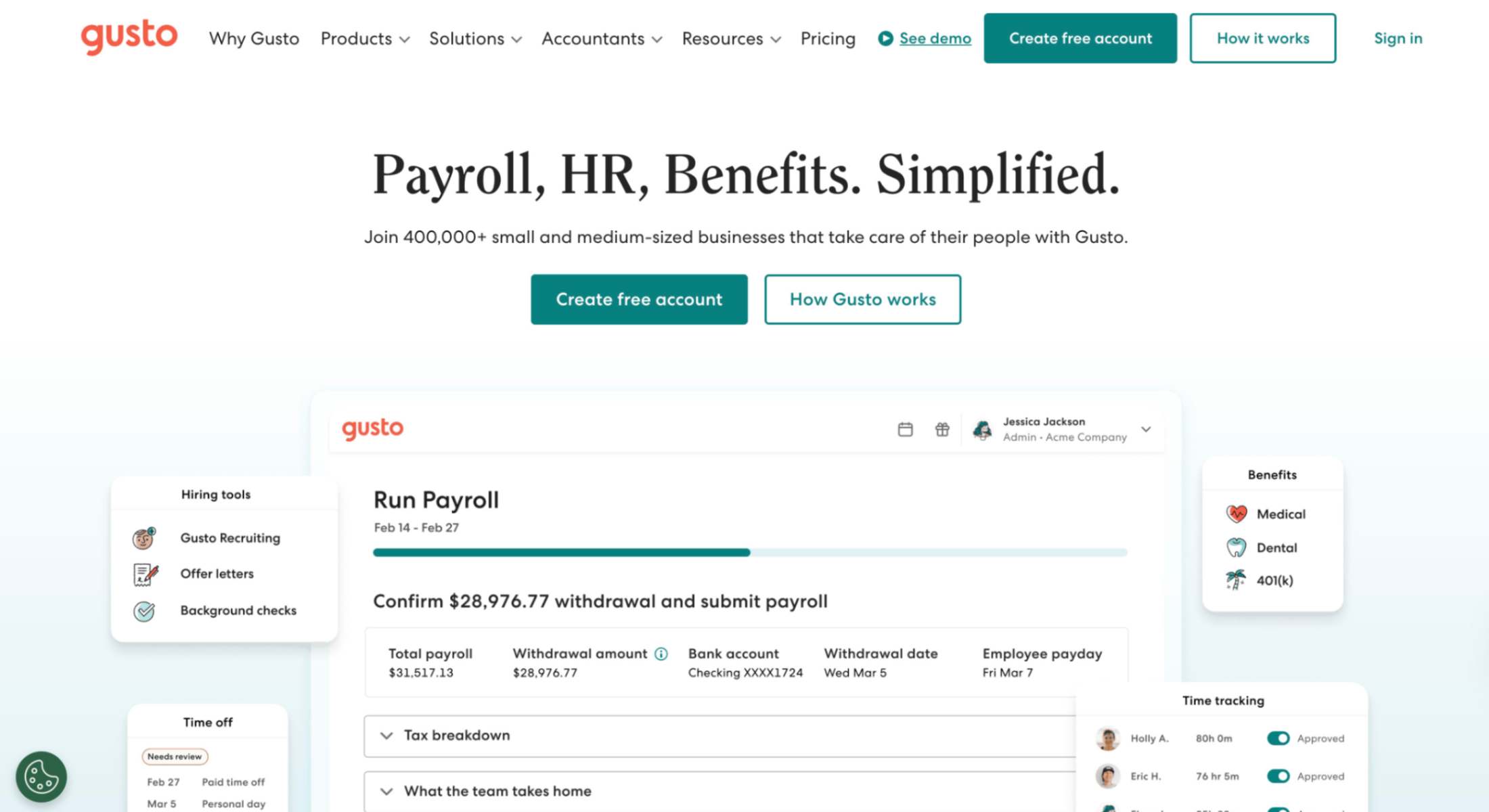
If you’re running a small business in the U.S. and still juggling payroll, PTO tracking, and onboarding in separate tools (or worse, spreadsheets), Gusto could be your right hand. It’s one of the most well-known HR automation software platforms for small teams.
What stood out to me is how Gusto handles all the heavy payroll automation lifting (tax filings, benefits deductions, even contractor payments) while also covering the basics of HR management like onboarding, compliance, and performance tracking. It helps automate the kind of HR tasks that eat up your time and energy, especially when you don’t have a full HR department to rely on.
Key features:
Full-service payroll automation in all 50 U.S. states
Onboarding workflows with e-signature and custom checklists
Time-off tracking with manager approvals and mobile access
Performance reviews and employee surveys
Health, dental, vision, and 401(k) benefits admin
Integrations with accounting and time tools (QuickBooks, Xero, TSheets)
Global contractor payments in 120+ countries
Optional EOR via partner (for full-time international hires)
Pros:
Super clean interface and easy for non-HR people to use
Payroll + HR + benefits sync together to reduce errors
Automates boring administrative tasks like tax filings and new hire reporting
Includes employee self-service access (less back-and-forth for HR workflows)
Transparent pricing and no extra charge for off-cycle payrolls
Cons:
Time tracking and PTO tools cost extra on the Simple plan
You’ll need to upgrade to get performance management or HR analytics
Global EOR is through a partner and costs more
U.S.-focused; global payroll and benefits are still limited
Pricing:
Contractor Only: $35/month base + $6 per month/contractor (free for 6 months)
Simple: $49/month base + $6 per month/person
Plus: $80/month base + $12 per month/person
Premium: $180/month base + $22 per month/person
Best for: Full-service payroll and benefits automation
3. BambooHR
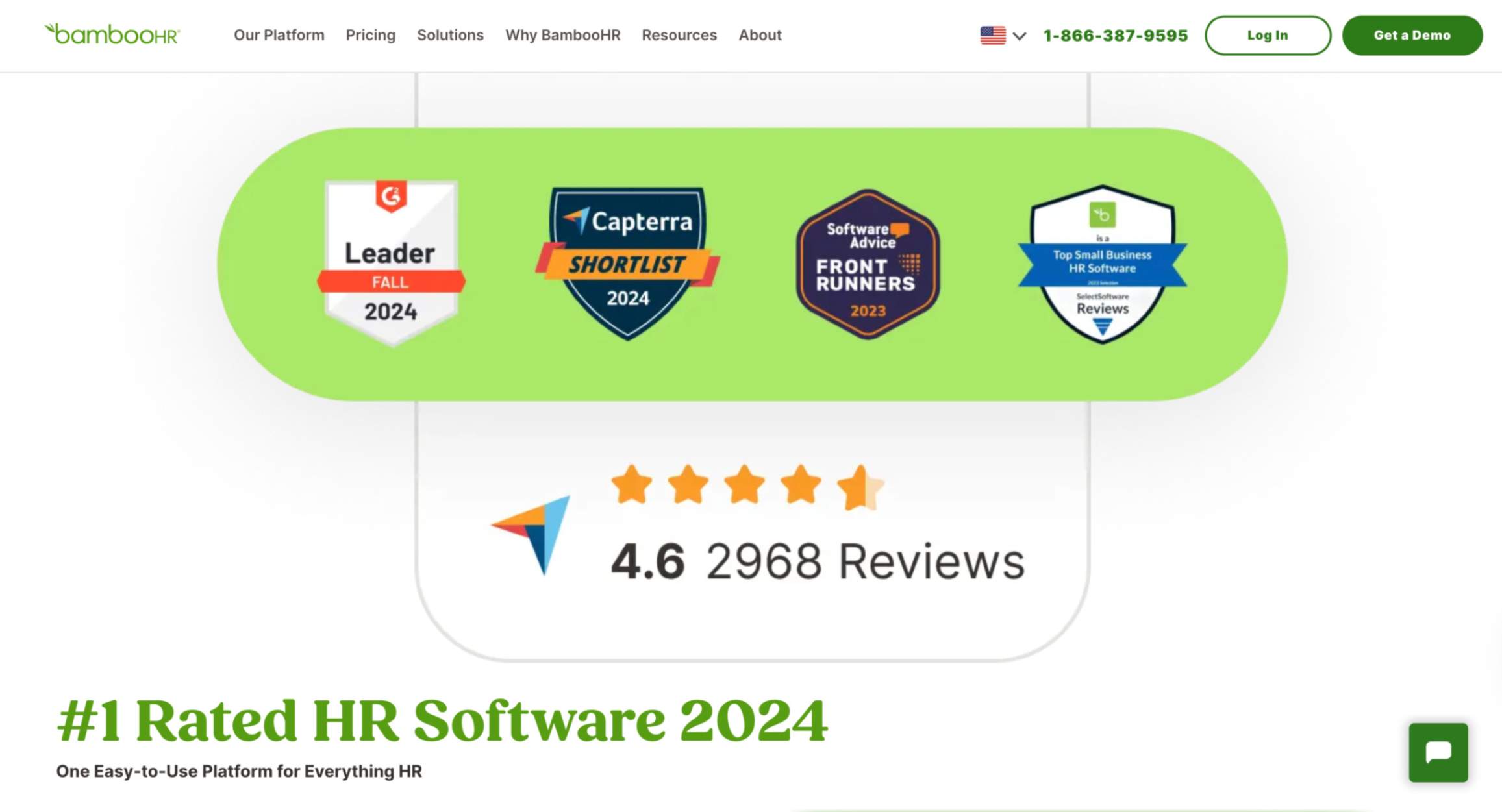
BambooHR was one of the first HR tools I tried when spreadsheets were no longer cutting it. I needed a better way to keep track of employees, documents, PTO, and performance, and BambooHR checked most of those boxes.
It’s a clean, all-in-one HR automation software that makes managing employee data feel less like chaos. What I liked most was how easily I could onboard people, run performance reviews, and give employees a simple self-service portal, without relying on a big HR department or IT team.
Key features:
Centralized HR system for employee records, org charts, documents
Onboarding checklists, welcome emails, and e-signatures
Built-in performance management with goal tracking and 360° feedback
PTO tracking, approval workflows, and calendar sync
Payroll automation (U.S. only) with tax filing, direct deposit
Benefits administration and open enrollment (U.S.)
Employee engagement tools like eNPS surveys
Custom reports, dashboards, and basic workflow automation
Pros:
Super intuitive; even non-HR folks can use it with minimal training
Solid HR workflow automation for onboarding, reviews, and approvals
Cuts back on repetitive tasks like chasing signatures or updating spreadsheets
Helps improve the employee experience with self-service access and easy communication
Scales well for growing teams and has tons of integration options
Cons:
Global hiring support is still limited (EOR is in early rollout)
You’ll need to upgrade to access advanced analytics, automation tools, or performance reviews
U.S.-centric: payroll and benefits tools don’t apply internationally
Doesn’t include recruiting CRM; you’ll need a separate tool or integration
Pricing:
Custom quotes only (pricing depends on team size and features)
Add-ons like payroll, time tracking, and benefits cost extra
Best for: Intuitive HR workflows and onboarding
4. Deel
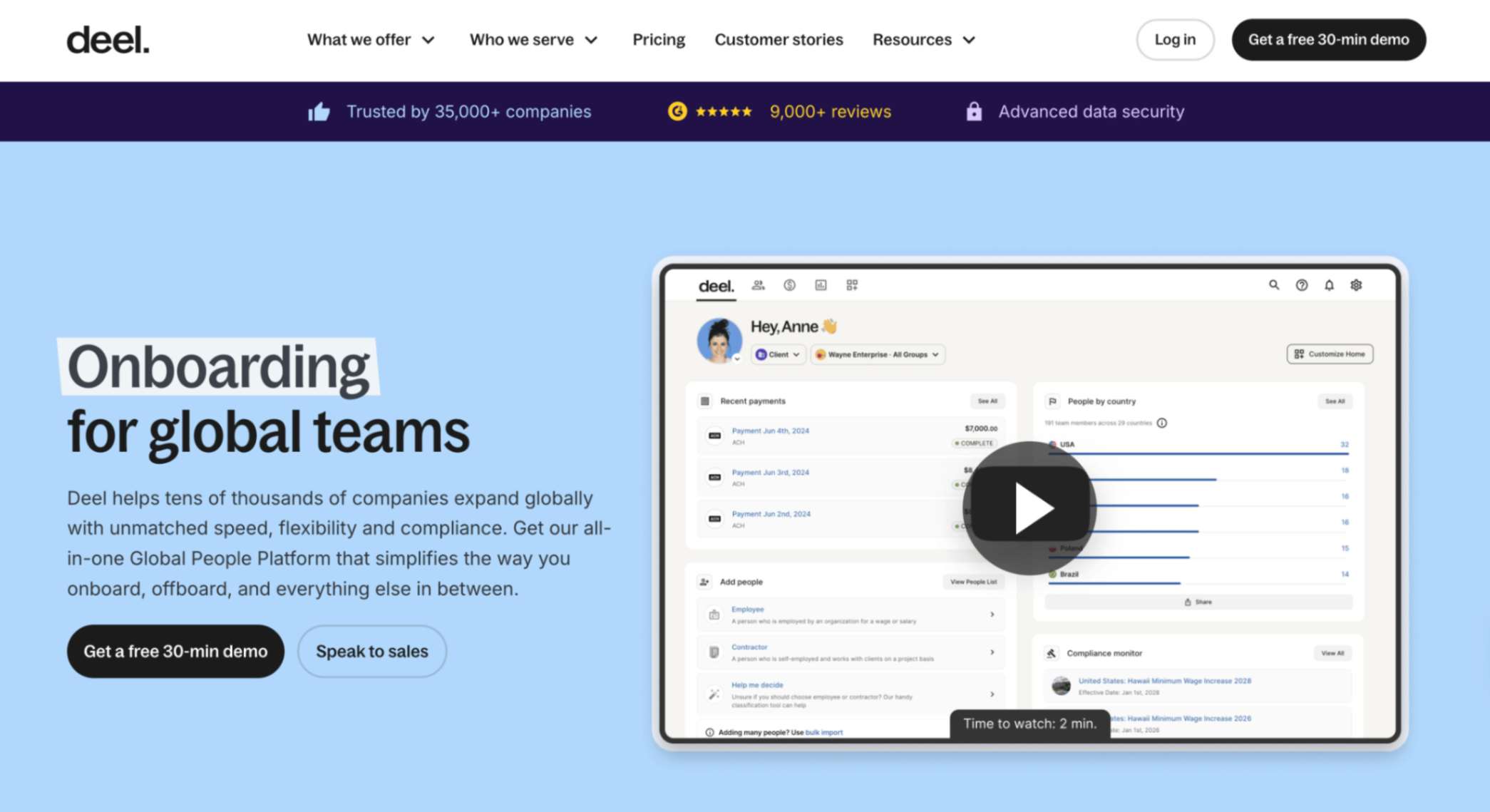
When I started hiring outside my home country, the logistics hit fast — contracts, currencies, compliance, and trying not to break labor laws I didn’t fully understand. Deel fixed that. It’s not your typical HR automation software; it’s built for companies that hire globally, whether through contractors, direct employees, or subsidiaries.
With Deel, I could onboard a contractor in Mexico, pay a full-time employee in Germany, and stay compliant in both, all from one dashboard. It’s hands down one of the most powerful tools for automating international HR processes.
Key features:
Contractor management: automates contracts, localized tax forms, compliance checks, and global payments in 150+ currencies
Employer of Record (EOR) service in 150+ countries; you don’t need a local entity to hire employees
Global payroll for companies with local entities in multiple countries
Onboarding workflows, document collection, and automated compliance tracking
A lightweight HR system to view team members, contracts, costs, and paperwork in one place
Integrates with global HRIS, ATS, and accounting tools for seamless data sync
Pros:
Best in class for HR automation around international hiring and payroll
Saves serious time on administrative tasks and global contract management
Transparent, flat-rate pricing for contractors and EOR
Improves the employee experience with self-service contract signing and localized payments
Great if you have a remote or international team and need compliance without overhead
Cons:
Premium pricing (e.g. $599 per employee/month via EOR, $49 per contractor/month)
For purely domestic U.S. payroll and benefits, it’s often overkill
Its performance review and HR analytics tools aren’t as deep as some standalone platforms
Some global benefits admin depends on local partners rather than native platform support
Pricing:
Deel Engage: $20 per worker/month (Includes performance, learning, career management, and surveys)
Deel Compensation: Up to $15 per employee/month
Deel Workforce Planning: Up to $18 per employee/month
Free trial available for core features
Best for: Global hiring, compliance, and payroll
5. Rippling
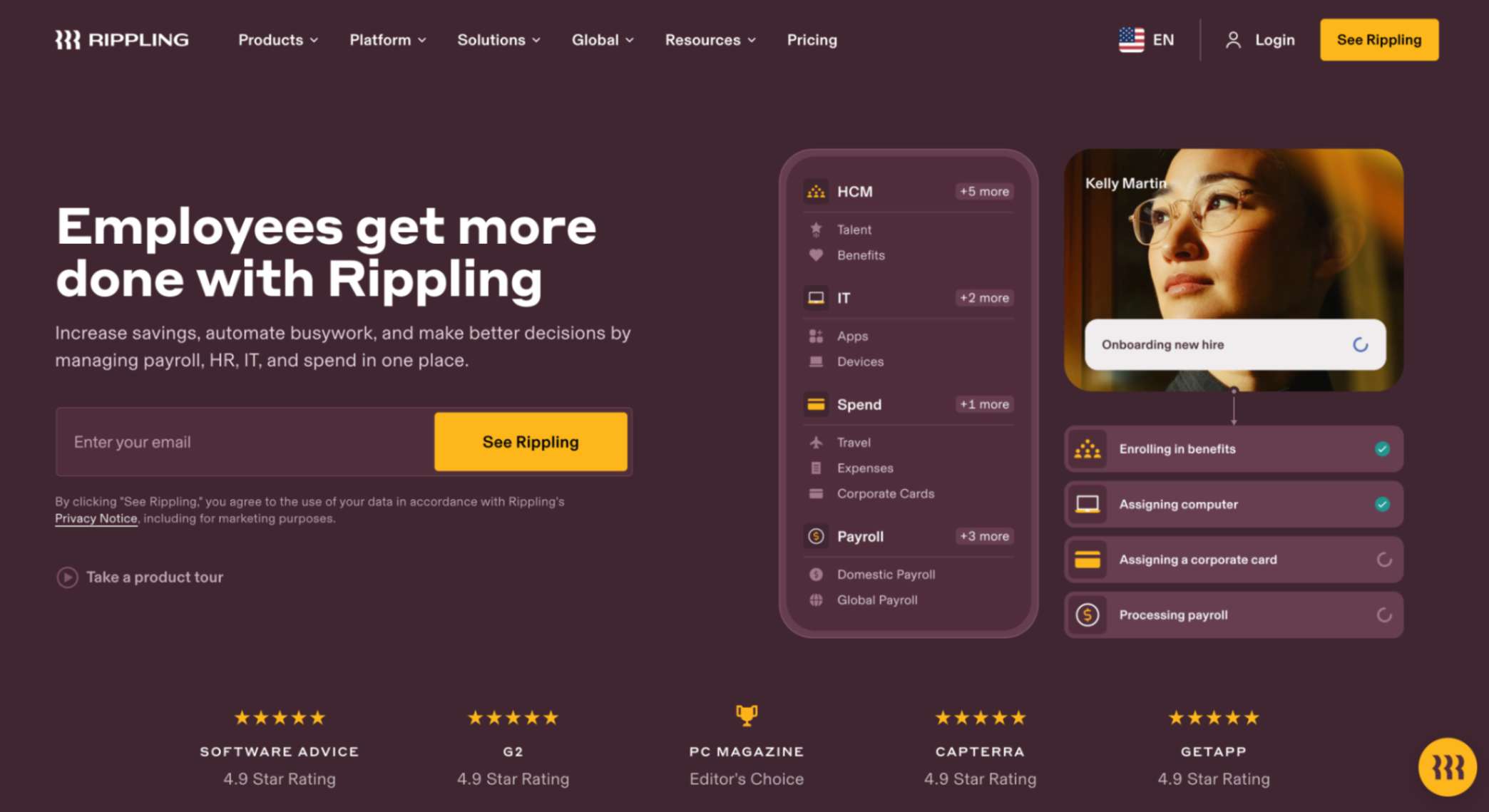
Rippling stood out to me because it’s a full platform that connects HR, IT, and finance. Everything is built on a single employee record, so when you update someone’s info, it syncs across payroll, benefits, devices, and even apps like Slack or Google Workspace.
For small businesses growing fast (or managing remote teams), this kind of HR automation software can save hours of duplicated work.
Key features:
Full-service payroll automation with automatic tax filing and compliance
Custom workflows through Workflow Studio for onboarding, role changes, and offboarding
App and device provisioning tied to employee onboarding
Unified employee data across HR, IT, and finance
Time & attendance, PTO tracking, and approvals
Built-in performance management, learning tools, and org chart
Global payroll and EOR in 50+ countries
600+ integrations with popular business tools
Pros:
Automates HR tasks and IT processes from one dashboard
Keeps everything (payroll, benefits, devices, app access) in sync
Reduces compliance risks with automatic updates based on employee changes
Centralized reporting across departments
Cons:
You need to contact sales for pricing; nothing public
Can be complex if you only need core HR process automation
Global features are powerful but come at a higher cost
Pricing:
Rippling uses a modular model. You start with core HR and add what you need (payroll, benefits, device management, etc.). Pricing isn’t published; it depends on your team size and selected modules.
Best for: Unified HR, IT, and finance automation
6. Paycor
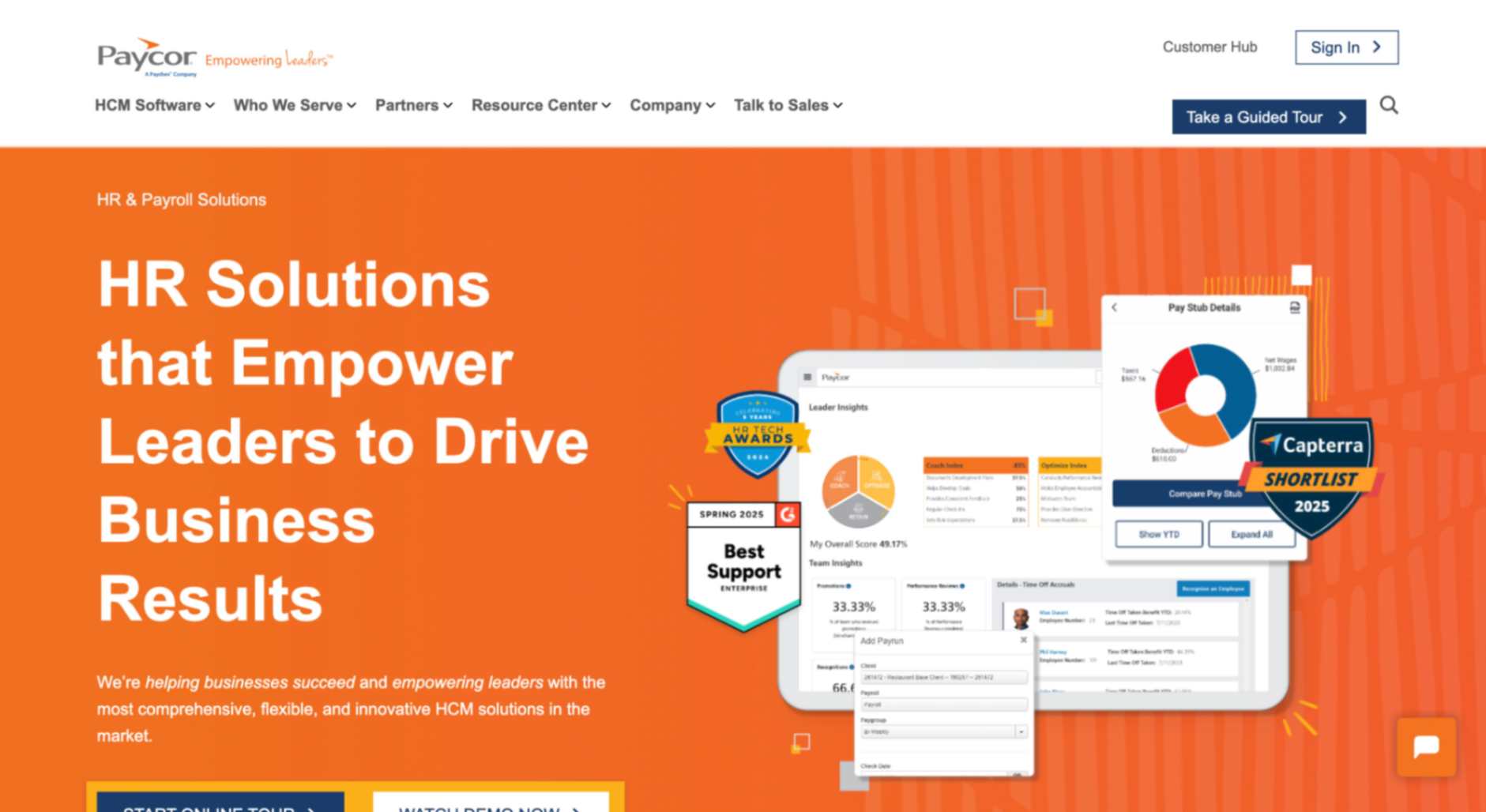
Paycor is a cloud-based human capital management platform that unifies payroll, HR, recruiting, onboarding, time tracking, and employee management, all built on a single employee database to reduce manual data entry and streamline repetitive tasks.
It’s especially valued by small to mid-sized businesses looking for a robust HR automation tool that covers the full employee lifecycle with built-in analytics and compliance alerts.
Key features:
Unified HCM platform with applicant tracking, onboarding, payroll processing, time tracking, and an HRIS for employee records
Automated workflows and notifications for everyday HR tasks
Employee self-service portal and mobile access for time-off, pay stubs, and personal information updates
Payroll automation with on-demand pay, AutoRun scheduling, and compliance alerts
Expense tracking module with customizable policies, mileage capture, and reporting
Strong integration ecosystem: over 140 APIs and marketplace connectors
Pros:
Centralizes HR tasks, onboarding, payroll, and time-off into one platform
Auto workflows and unified employee data save time on repetitive HR work and reduce error risk
Employee self-service and mobile access improve the employee experience by cutting internal friction
On-demand pay and flexible payroll scheduling are standout benefits in small business contexts
Analytics tools help HR and managers spot trends early and plan strategically
Cons:
Pricing isn’t published; it’s only available via a custom quote
Implementation can be complex for smaller teams, and reviewers often cite challenges during setup
Some modules (like recruiting, talent development) feel like separate bolt-ons rather than fully unified experiences
Reporting and analytics have limitations; templates are rigid, and customization can be difficult for non-technical users.
Pricing:
Plans are customized, typically categorized as Basic, Core, Essential, and Complete, with small‑business pricing available for companies under 50 employees (often with promotional discounts for new users)
No free or forever‑free tier; demos are available, but a paid contract is required to use the platform fully
Best for: All-in-one HCM with analytics
7. Zoho People
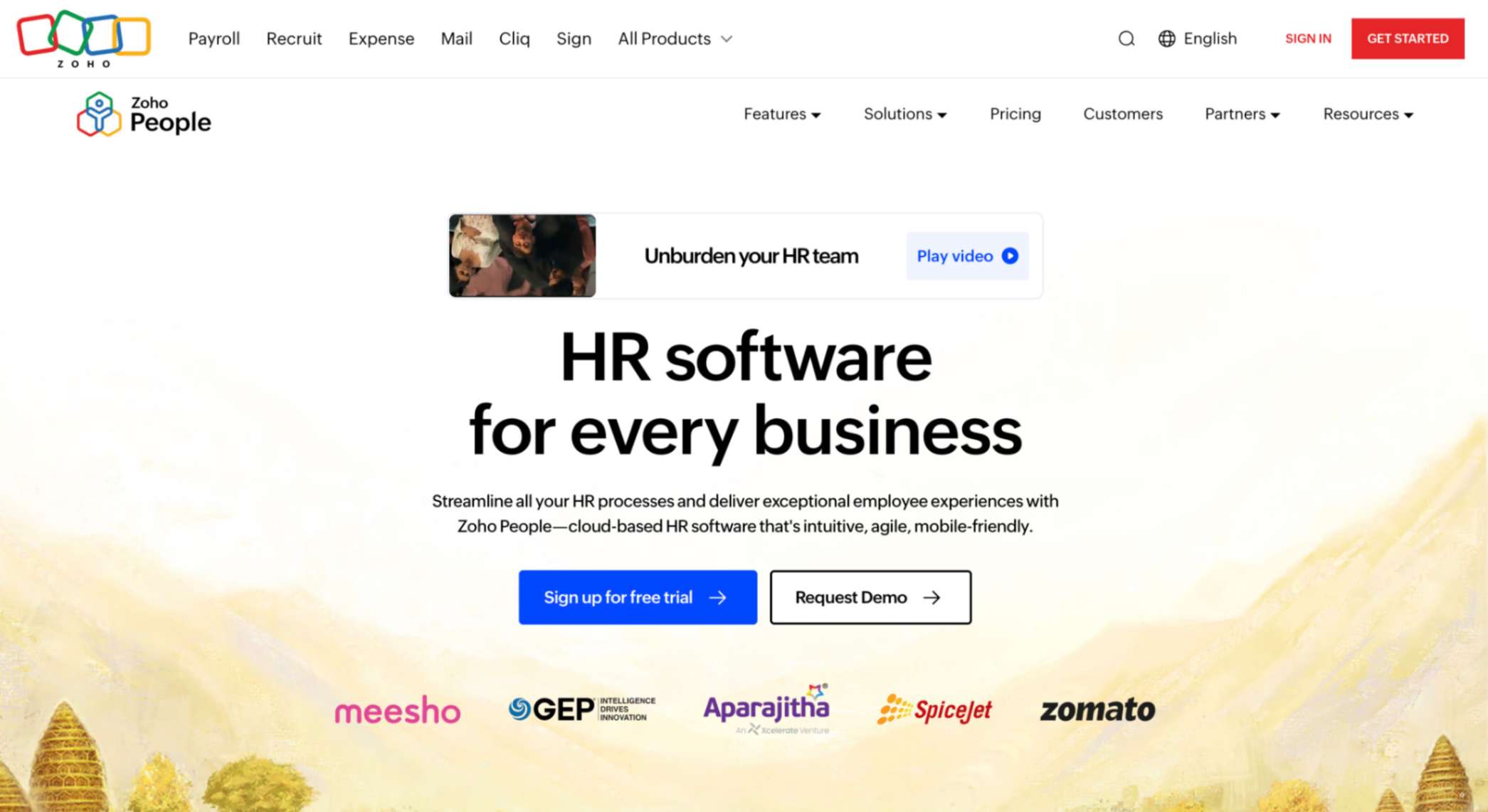
Zoho People delivers a flexible, cloud‑based HR automation software that streamlines core HR processes for small and growing businesses, all built around a centralized employee database and customizable workflow engine.
It offers end-to-end HR functionality: from leave tracking and onboarding to performance reviews and learning management, plus tight integrations with other Zoho apps and third-party services like Microsoft Teams, QuickBooks, and DocuSign.
Key features:
Central employee data repository and secure self‑service portal (Spaces) for employees and managers
Classic HRIS modules: onboarding, document management, leave management, attendance tracking via web/mobile/facial recognition, and timesheets
Modern HR workflow automation: trigger-based email alerts, checklist assignment, field updates, webhooks, custom functions using Deluge scripting
Optional learning management system and HR help‑desk (Enterprise tier), including case tracking, SLA workflows, and sandbox testing
Native mobile app (iOS & Android) for leave, attendance, and approvals on the move
Pros:
Extremely cost-effective, with a free plan for up to 5 users and entry at just $1.50/user/month (annual billing)
Robust automation tools to eliminate repetitive HR tasks and reduce manual entry
Deep customization and workflow flexibility, including custom forms, checklists, and approvals
Improves the employee experience by offering mobile access and centralized feeds so staff can log time, request leave, and view updates without manual HR intervention
Integrates seamlessly within the larger Zoho ecosystem and supports third-party tools via API/webhooks
Cons:
Reporting and analytics can feel basic unless you subscribe to higher-priced tiers or integrate with Zoho Analytics
The mobile app is handy, but reviewers note some limitations compared to desktop functionality
Payroll and recruiting functionality are not included in core plans (even People Plus bundles require Zoho Recruit or Zoho Payroll add-ons)
Advanced customizations may require scripting or technical setup, which can feel complex for non‑technical users
Pricing:
Free 30-day trial available on all paid editions, no credit card required, and no long-term contract
Enterprise (€4,50/user/month): Includes learning management, HR help desk, sandbox environment, and top-tier workflows.
People Plus: Combines HRIS with Zoho Recruit, Payroll, Expense, Vault & more. The quote is available on request.
Best for: Customizable HR workflows on a budget
Top HR automation tools for small businesses
Tool
Best for
Top features
Starting price
Thrivea
Teams needing structure without bloat
Free core HR, set up in under 3 minutes
$0 for core HR; add-ons available
Gusto
Small businesses prioritizing payroll
Automated payroll, taxes, and benefits
$49/month base + $6/user
BambooHR
Growing teams wanting clean workflows
All-in-one HR with self-service access
Custom quote
Deel
Startups hiring across borders
EOR & contractor payments in 150+ countries
Free plan; paid from $49 per contractor/month
Rippling
Companies needing HR + IT in sync
Automates onboarding, payroll, and app access
Quote-based, modular pricing
Paycor
Businesses needing built-in analytics
Turnover predictions and compliance alerts
Est. $19–$27/user/month (quote required)
Zoho People
Small teams on tight budgets
Custom workflows and low per-user pricing
Free for five users; paid plans from €1,25/month
Work smarter, not harder. Automate your HR workflows with Thrivea.
Manual HR processes slow your team down, drain your time, and leave too much room for error. Thrivea changes that.
With its free Core HR plan, intuitive workflows, and modular add-ons, Thrivea helps small businesses automate essential HR tasks without the complexity (or cost) of traditional systems. Whether you’re onboarding new hires, managing time-off, or keeping records organized, it’s all just… easier.
Less admin. More control. Book a demo today and see how Thrivea helps you automate HR without the overhead.
Create your account and explore the full platform — no
credit card, no sales call.
Want a tailored walkthrough? Our team will show how
Thrivea fits your workflows and scales with you.
Most HR tools I’ve tried either overpromise or overwhelm. You sign up hoping to save time, but end up buried in setup, chasing support, or stuck pay...
Payroll shouldn’t feel like a second job, but most payroll software makes it one. Between tax forms, benefits administration, and trying to keep emp...
Do you have
any questions?
Feel free to send us your questions or
request a free consultation.






 18 min